AdThis guide contains affiliate links. If you buy through one, we may earn a commission. It never decides what we pick.
Free text-to-speech tools: Immersive Reader, Speechify and what's already on your phone
Last checked 11 September 2026. Written by the Divergent Products team. How we pick.

What is the best free text-to-speech tool?
For web pages on a laptop, the best free text-to-speech tool is Immersive Reader in Microsoft Edge: press F9 for read aloud, line focus and wider spacing. Chrome's Reading mode reads aloud too. On a phone, Speechify's free tier and Android's Select to Speak read on-screen text, and Microsoft's free Seeing AI app reads print through the camera.
Our picks
-
Best for: Reading web pages aloud on a computer
Immersive Reader in Microsoft Edge
By Microsoft
Built into Microsoft Edge: F9 opens read aloud with voice and speed controls, line focus of 1, 3 or 5 lines, spacing and page colours. It only works on what Edge can open.
Affiliate link -
Best for: Free read-aloud across devices
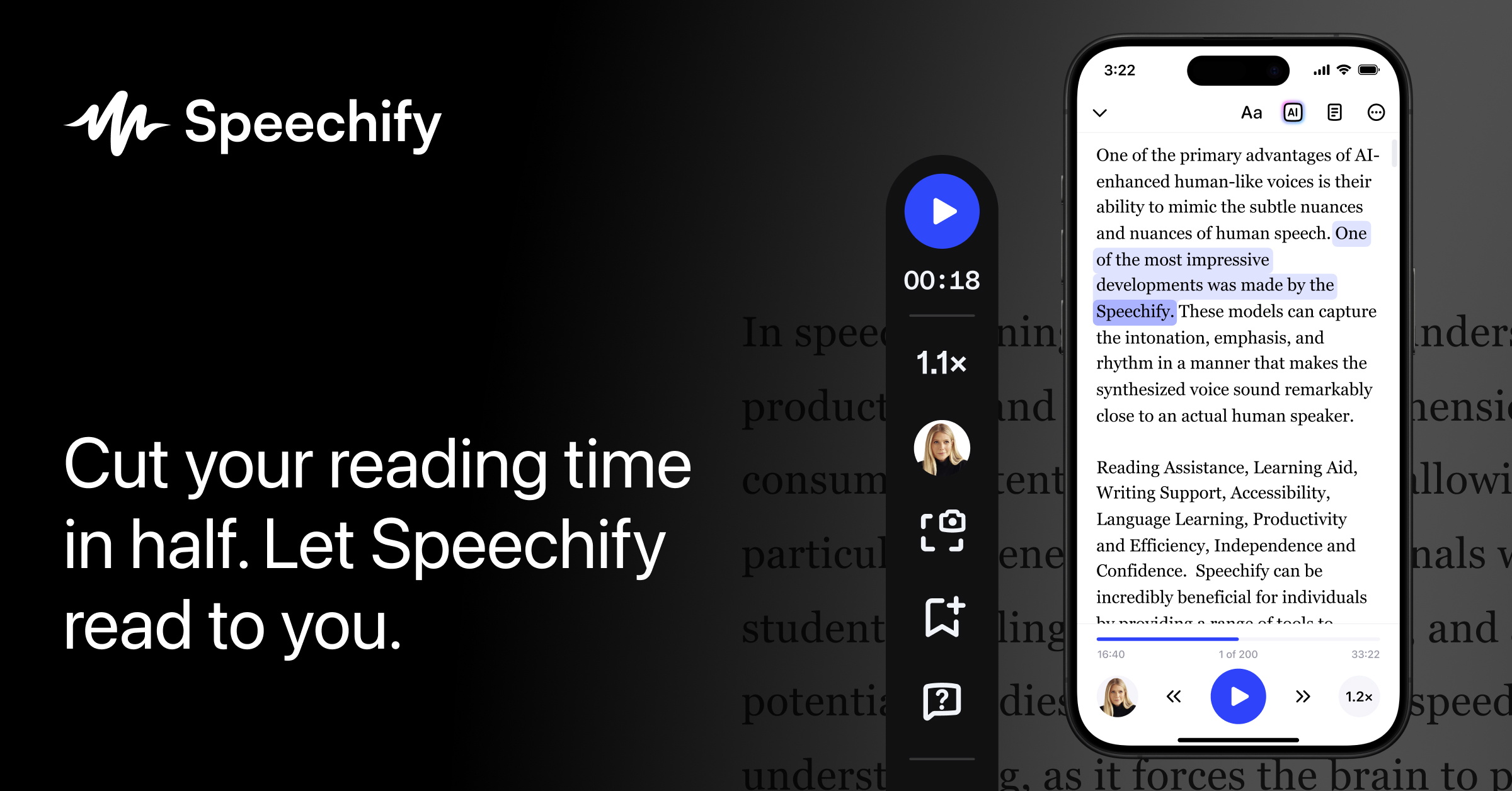
Speechify Text to Speech
By Speechify
The free plan reads text at up to 1.5 times speed with 10 basic voices. Better voices, faster speeds and scanning of printed pages are Premium, listed at $29 a month.
Affiliate link -
Best for: Printed text without a phone
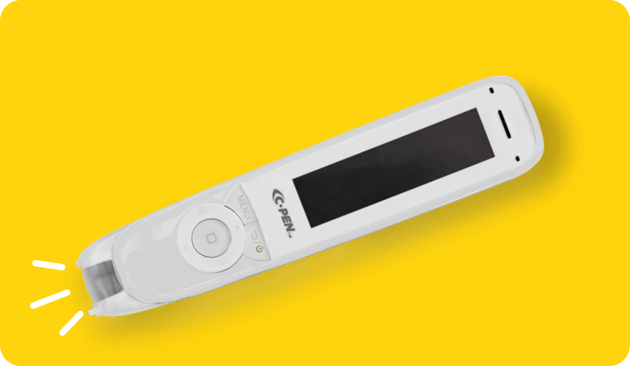
C-Pen Reader 2
By C-Pen (Scanning Pens Ltd), sold by TTS
Not free, at about £358.80, but it reads print aloud offline and needs no account. Worth it only if you read a lot on paper.
£359.99See it at TTSAffiliate link -
Best for: Printed text through your phone camera
Seeing AI
By Microsoft, sold by App Store
Free from Microsoft on iPhone and Android. Short Text reads words as soon as the camera sees them, and Documents mode talks you through framing a whole page.
Affiliate link -
Best for: Study and work, often through a licence
Read&Write
By Everway (formerly Texthelp), sold by Everway
Text to speech, dictation and word prediction on Windows, Mac, Chrome, iPad and Android. Everway lists an individual licence at £250 plus VAT a year and teachers get it free, so ask your school or employer first.
Affiliate link

Most people who want text read aloud already own the software to do it. It is just hidden in a browser menu or an accessibility setting. This guide starts there, then covers when a free app is worth installing and when paying makes sense.
What to look for in a free text-to-speech tool
Start with where your text lives, then judge the voice, the speed limit and the reading aids.
- Where the text is. Web pages, PDFs, Word documents, emails, printed paper and photos all need different tools. Pick the tool for the text you read most.
- Voice quality. Free voices range from decent to robotic. Speechify is candid that its 10 free voices sound robotic; Premium has more than 1,000.
- Speed range. If you listen fast, check the ceiling. Speechify's free tier stops at 1.5 times normal speed; Premium goes to 5 times.
- Reading aids alongside the voice. Line focus, text spacing and page colours make it easier to follow along while you listen. Immersive Reader has all three.
- Set-up. Built-in tools need no account. Apps usually want an email address, and some want your documents uploaded.
- Privacy. If you paste in a medical letter or a work contract, read the app's privacy policy first. Built-in browser tools and an offline pen avoid the question.
| Tool | Cost | Works on | Standout feature | Drawback |
|---|---|---|---|---|
| Immersive Reader (Edge) | Free | Web pages on a computer | Line focus, spacing, page colours | Edge only |
| Chrome Reading mode | Free | Web pages in Chrome on a computer | Letter and line spacing controls | Read aloud is on computers |
| Android Select to Speak | Free | Anything on an Android screen, plus camera | Reads through the camera | Android only |
| Speechify free | Free | Text on screen, on several devices | Works across phone and browser | Robotic voices, 1.5 times cap |
| Seeing AI | Free | Printed text via phone camera | Guides you to frame a page | Needs a phone |
| C-Pen Reader 2 | about £358.80 | Printed text, offline | No phone or account | Price |
| Read&Write | £250 plus VAT a year; free for teachers | Documents and web on computers, tablets and phones | Dictation and word prediction too | Paid for individuals |
Which free text-to-speech tools are already built in?
If you use Microsoft Edge, Google Chrome or an Android phone, you already have one.
Immersive Reader in Microsoft Edge. Press F9, or select the icon in the address bar, or select text, right-click and choose Open in Immersive Reader. Microsoft lists read aloud with a choice of voice and speed, text size, wider line spacing, column width, page themes (including some inspired by Irlen Spectral Filters), line focus of 1, 3 or 5 lines, a picture dictionary and translation. Microsoft says it was originally designed for readers with dyslexia and dysgraphia.
Reading mode in Google Chrome. Right-click a page and choose Open in reading mode, use the icon in the address bar, or go to More, then More tools, then Reading mode. The shortcut is Alt+Shift+R on Windows. Google says you can change the font, size, line spacing, letter spacing and colour theme, and on computers you can listen to the page with a choice of voice and speed.
Select to Speak on Android. In Settings, go to Accessibility, then Select to Speak, and turn on the shortcut. You then select anything on screen to hear it. Google says it can also read text through the camera in English, Spanish, French, German and several other languages.
iPhone and iPad. Apple has built-in options that speak the screen or selected text, found in the Accessibility settings. We could not load Apple's guide on 11 Sep 2026, so check the current menu names in Settings.
Kindle. Amazon's VoiceView screen reader can read compatible Kindle books aloud over Bluetooth headphones or a speaker. It is designed for blind and visually impaired readers and does not play audiobook files.
Is Speechify's free plan enough, or is Premium worth paying for?
Start free; pay only if the robotic voices or the 1.5 times speed cap are what stop you using it.
The free plan covers the core job: reading text aloud, wherever you listen. Premium, listed at $29 a month with a saving for paying yearly, adds the natural voices, speeds up to 5 times, more than 60 languages, cloud storage links and Scan and Listen for printed pages. It is billed in US dollars, so the pound price moves with the exchange rate.
If the reason you want Premium is scanning print, try Seeing AI first. It is free, with no subscriptions or in-app purchases.
What about printed text, letters and forms?
For print, use a free camera app first and buy a pen only if you read a lot on paper or cannot use a phone.
Seeing AI, from Microsoft, has a Short Text mode that speaks text as soon as it appears in front of the camera, and a Documents mode that gives audio cues to help you capture a whole page. It is in 19 languages on the App Store. Android's Select to Speak camera option does a similar job without another app.
A reading pen such as the C-Pen Reader 2 (about £358.80) reads a line at a time with no phone, account or wifi. It suits long reading, classrooms and anywhere phones are frowned on. For exams, JCQ only allows pens without a dictionary or storage; see our guide to reading pens.
Things to know
- Try two voices before deciding. A voice that grates is the main reason people give up on text to speech.
- Speechify's prices are in dollars. The pricing page listed $29 a month; the yearly price was shown as a percentage saving, not a figure.
- Read&Write. Everway's Read&Write, formerly from Texthelp, does text to speech, a screenshot reader and dictation. It is mainly sold to schools and universities, with free accounts for teachers. Everway's UK pricing page lists an individual licence at £250 plus VAT a year, so ask whether your school, college or employer already has one.
- Exams are different. Phones and apps are not allowed in the exam hall. Your school or college will say what is.
- Checked on 11 Sep 2026. Features and prices come from each maker's page on that date. We have not tested them.
Questions people ask
- Is Immersive Reader free?
- Yes. It is built into the Microsoft Edge browser, which is free, so there is nothing extra to buy or sign up for to use it on web pages.
- What is the shortcut for Immersive Reader?
- F9 opens Immersive Reader in Microsoft Edge, according to Microsoft. You can also select some text, right-click and choose Open in Immersive Reader.
- How fast can free Speechify read?
- Up to 1.5 times normal speed, with 10 voices that Speechify itself describes as robotic sounding. Premium goes up to 5 times and adds more than 1,000 voices.
- Can my phone read a printed letter out loud?
- Yes. Microsoft's free Seeing AI app for iPhone and Android reads short text as soon as it is in front of the camera, and Android's Select to Speak can read text through the camera in English and several other languages.
- Does Chrome have a read aloud button?
- Yes, in Reading mode on a computer. Right-click a page and choose Open in reading mode, or press Alt+Shift+R on Windows, then press play; you can change the voice and speed.